Selection
Saves the text you highlighted. Best when exact wording matters and the surrounding page does not.
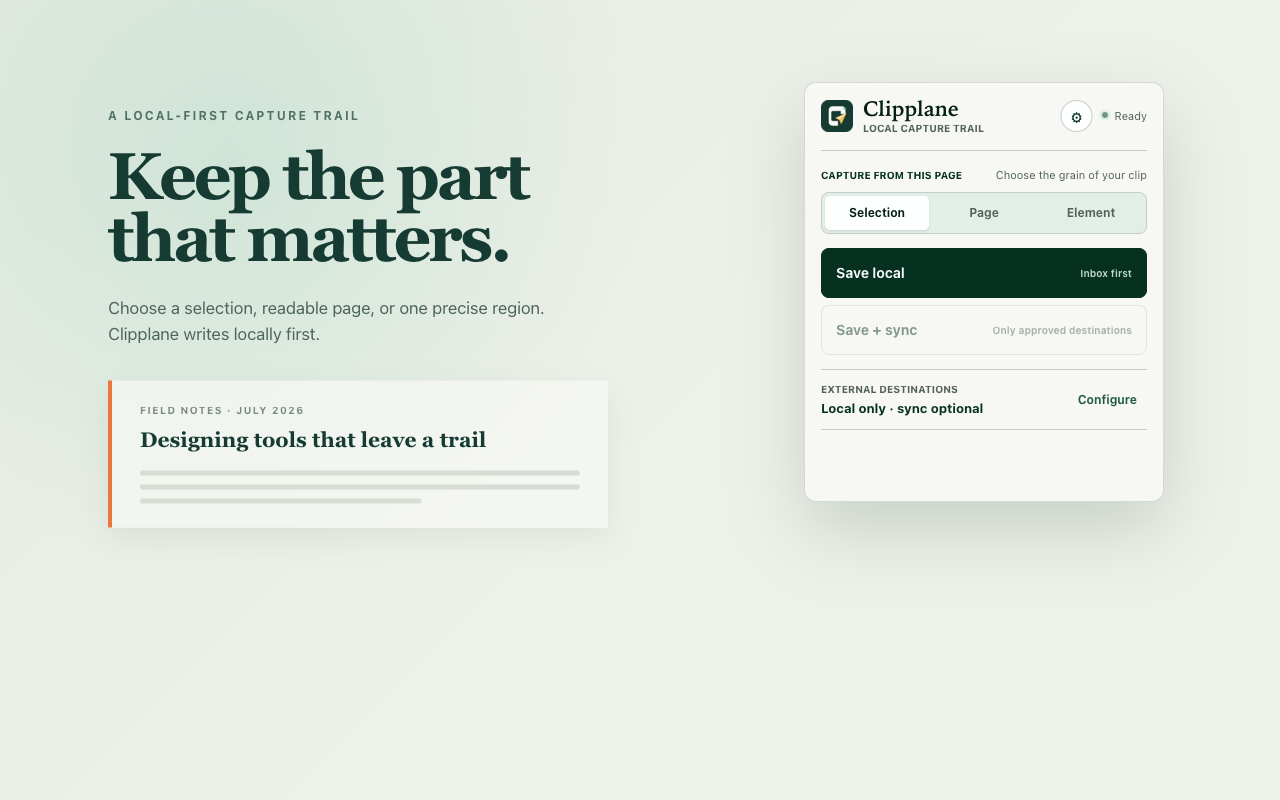
Clipplane turns a selection, a readable page, or one chosen element into a local Markdown capture that a person can inspect and an Agent can process.
Notes land in inbox.md by default. Copy for Agent is the next action after saving. Nothing is sent to Notion or flomo unless you configure that destination, consent to it, and choose Save + sync.
Choose the boundary
Ordinary copying loses context. Saving a whole page often keeps too much. Clipplane makes the capture boundary explicit before it writes anything.
Saves the text you highlighted. Best when exact wording matters and the surrounding page does not.
Extracts the readable body, keeps useful structure, and removes navigation and page chrome.
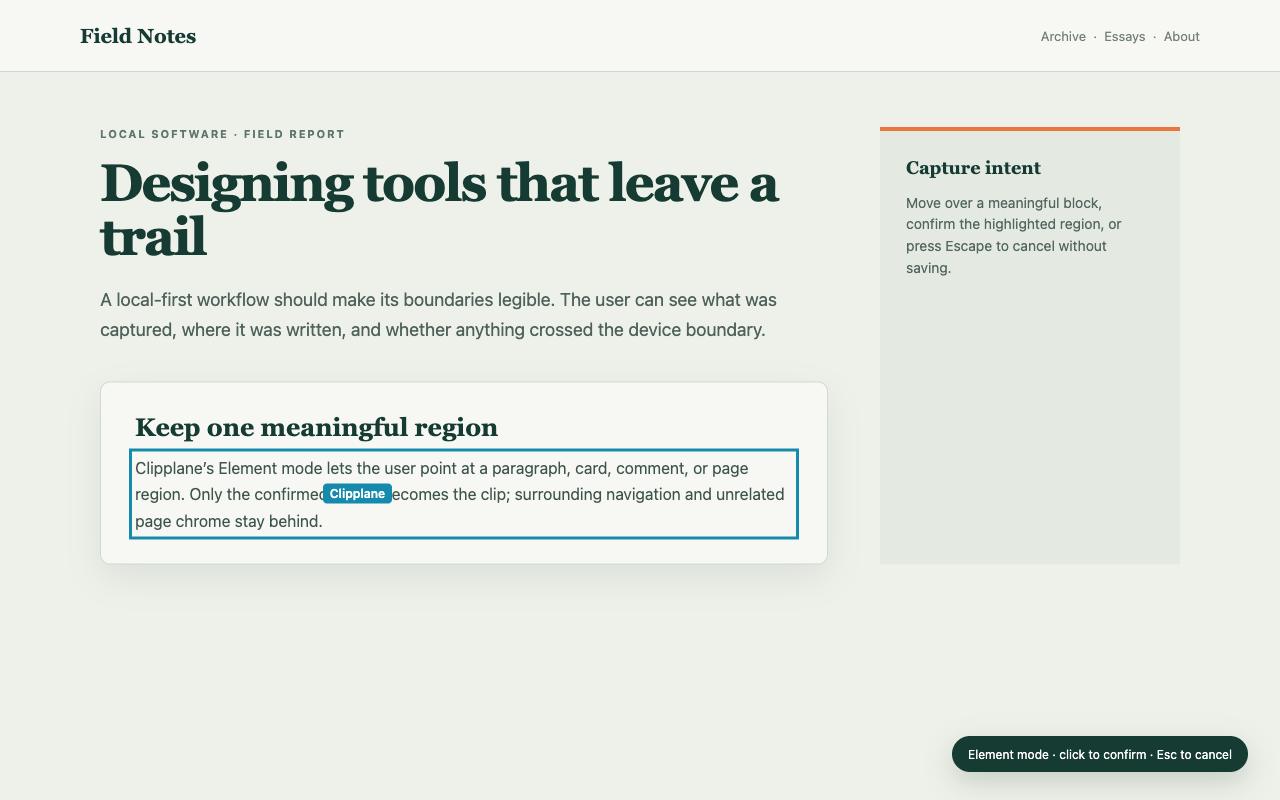
Lets you point at a card, section, comment, or code block and confirm that region before saving.
From page to note
Clipplane has no account, telemetry service, advertising backend, or Clipplane-operated content cloud.
A click, context-menu action, or confirmed Element selection starts capture.
The active page is reduced to the boundary you requested.
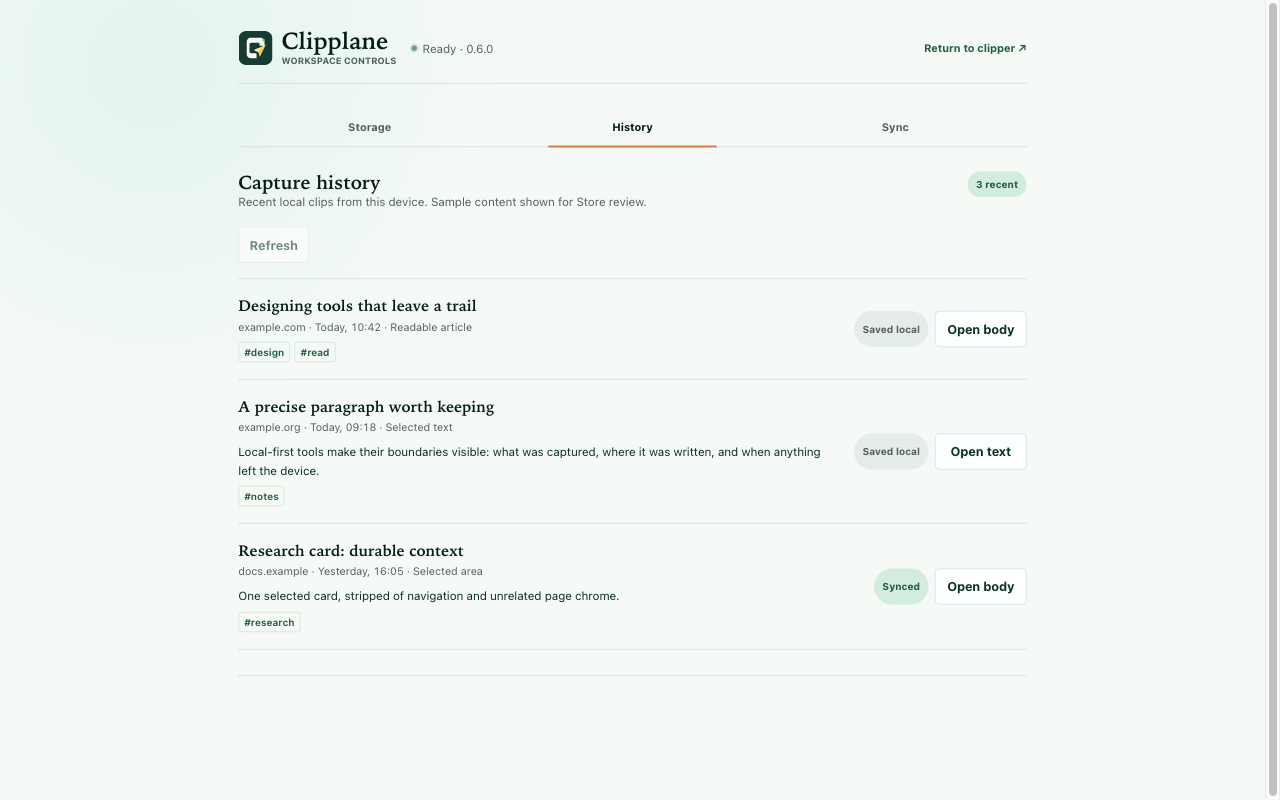
A clean note, source details, and an inspectable capture trail stay on your computer.
Only Save + sync can send the confirmed capture to a consented destination.
Current release
Green appears only after a confirmed result. Local success and external sync are reported separately, so a failed sync never hides a safe local copy.
Availability
The stable release is 0.9.0. Its immutable release ships the extension zip, while macOS arm64 reuses the signed and notarized Host 0.8.0 package pinned by SHA-256 and Apple Team ID — Host protocol 3 is unchanged, so the extension and the existing Host work together. Windows uses a full commit SHA through the official source setup path. The Chrome Web Store item is not public yet.
Independently maintained
Clipplane is built and maintained independently. If it has helped your workflow, you can support the work that keeps its capture path, installers, and documentation moving forward.